How To Use Claude Cowork As An AI Follow-Up Agent For Real Estate Leads

Some real estate agents are sitting on a database worth six figures in commission income and doing nothing with it.
A case study from The Shift AI tracked a Tampa Bay brokerage that was losing an estimated $1 million per year in gross commission income because their average lead response time was 2.5 hours and 40% of leads were never contacted within 24 hours.
When they deployed an AI agent, response time dropped to under one minute. Pipeline conversion improved 27% in 60 days. One in five AI-qualified leads booked showings.
And that’s a team with resources. Most solo agents have it worse.
NAR’s 2025 Home Buyers and Sellers Generational Trends Report found that 78% of buyers work with the first agent who responds.
Not the best agent. Not the one with the best reviews. The first one. That stat has held steady for five years running.
So speed isn’t a competitive advantage anymore. It’s the baseline. And most agents are failing it.
I’m going to walk you through how to set up an AI follow-up agent for real estate leads using Claude Cowork, Anthropic’s desktop AI tool that launched in January 2026.
You’ll need about an hour to set this up.
You’ve probably used Claude in a browser before. You type a question, it gives you an answer. That’s chat mode. Cowork is different.
Cowork runs inside the Claude desktop app (macOS or Windows, no mobile). When you open the app, you’ll see two tabs at the top: “Chat” and “Cowork.”
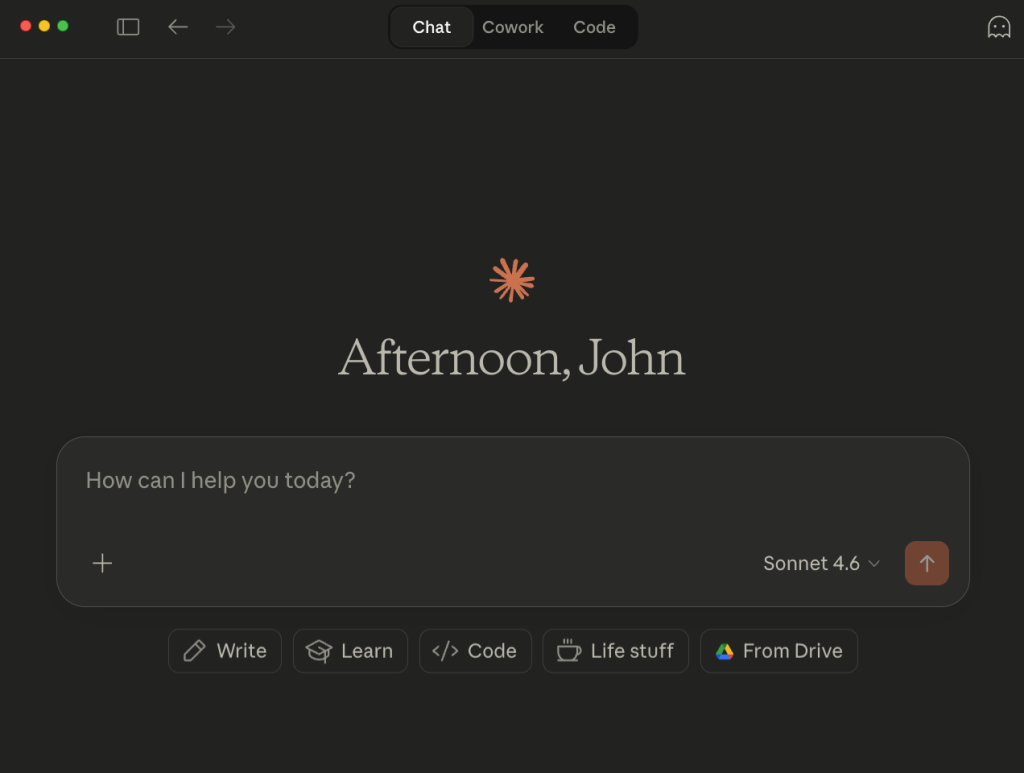
Click Cowork and you’re in a completely different interface. Instead of conversations, you’re creating tasks.
You describe what you want done in plain English, and Claude breaks it into subtasks, executes them autonomously, and checks in with you at key decision points before doing anything irreversible.
Cowork can read, edit, and create files directly on your computer. It can open your browser and navigate to Gmail, Google Drive, or your CRM. It runs inside an isolated virtual machine (so it can’t accidentally wreck your system), but it has direct access to any folders you give it permission to touch.
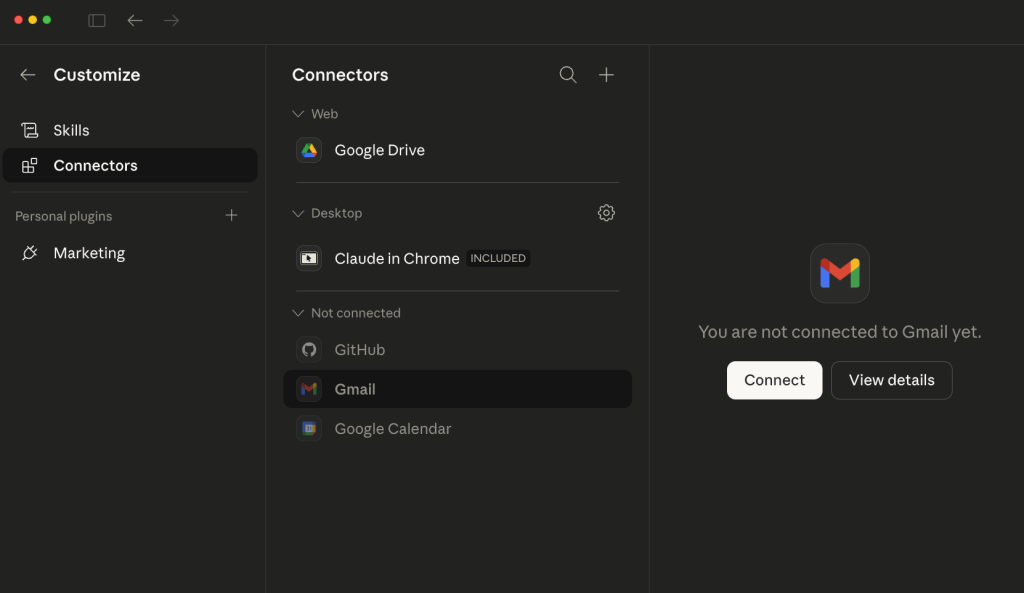
Anthropic added MCP connectors in February 2026 for Gmail, Google Calendar, Google Drive, Slack, and others.
These let Cowork search your inbox, read email threads, draft follow-ups, and update documents without you having to copy-paste anything between tabs.
You authenticate once through OAuth (same process as connecting any app to your Google account), and Cowork can interact with those services on your behalf.
You need a paid plan. The Claude Max 5x plan is $100/month and gives you around 225 messages per 5-hour window. Max 20x is $200/month with around 900 messages. For a solo agent running follow-up workflows a few times a week, $100/month is more than enough. If you’re on a team processing 50+ leads per week, go with the $200 tier.
One thing to know upfront: Cowork uses significantly more tokens than regular chat because of how much computation it does behind the scenes. So you’ll burn through your message allowance faster than you would just asking Claude questions in a browser.
Plan your usage around your lead processing schedule.
Download the Claude desktop app if you don’t have it. Sign up for the Max plan. Open the app and click “Cowork” at the top of the screen.
Before you create your first task, do two things:
First, set up your global instructions.
Go to Settings, then Cowork, then Global Instructions.
Type something like: “I’m a real estate agent in [your city]. When drafting emails, use a casual, first-name tone. Never use corporate language. Keep emails under 100 words. Always reference the lead’s original inquiry date and what they were looking for.”
These instructions apply to every Cowork task you create, so you don’t have to repeat yourself each time.
Second, create a folder structure on your computer. Something like:
In the Templates folder, create a text file with your base follow-up template.
Here’s one that works:
“Hey [First Name], this is [Your Name] with [Brokerage]. You reached out about [buying/selling] back in [Month]. I realized I dropped the ball on following up with you, and I didn’t want you to think I forgot. Are you still thinking about [buying/selling], or has anything changed? Either way, no pressure. Just wanted to reach out.”
That last part matters. “I dropped the ball” takes ownership of the gap instead of putting it on the lead.
People respond to honesty about the lapse more than they respond to a polished sales email pretending the gap didn’t happen.
Now create your first task. Click the “+” icon in Cowork to give it access to your Lead Follow-Up folder. Then type your instructions.
Be specific. The more specific your prompt, the better the output. Here’s what I’d use:
"I have a CSV of leads in my Incoming Leads folder. For each lead, I want you to:
Cowork will read the CSV, identify the columns, match each lead to your template, personalize every message, and output individual draft files. You review them (takes 10 minutes for 50 leads), tweak anything that sounds off, and send them through Gmail.
If you’ve connected the Gmail MCP connector, you can go further and tell Cowork to create the drafts directly in your Gmail drafts folder instead of saving text files.
But I’d recommend starting with text files first so you can review the output quality before letting it touch your email.
The manual workflow above is useful for an initial blast through your database. But the real power is scheduled tasks, which is Cowork running the same workflow automatically on a cadence you set.
There are two ways to create a scheduled task.
The easiest: type /schedule inside any Cowork task. A setup wizard launches and walks you through a few questions, usually with multiple-choice options, so you’re not guessing what to type.
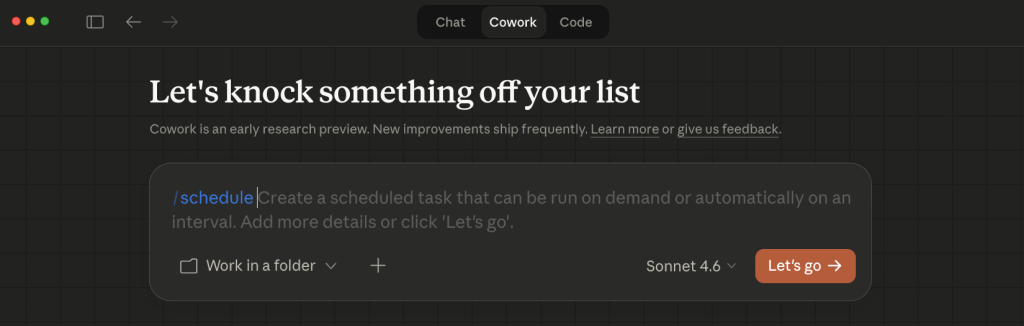
You’ll set the task name, describe what it does, pick your cadence (hourly, daily, weekly, weekdays, or manual), choose which folder it has access to, and confirm.
The second way: click “Scheduled” in the left sidebar of Cowork, then click “+ New task” in the upper right. This opens a modal where you fill in the same details.
For a real estate follow-up agent, here’s the schedule I’d set up:
“Check my Incoming Leads folder for any new CSV files added this week. For each new lead, draft a personalized first-touch follow-up email using the template in my Templates folder. Reference their inquiry date and interest. Save drafts to my Drafts folder. After processing, move the CSV to a ‘Processed’ subfolder so it doesn’t get re-read next week.”
“Check my Drafts folder for any files older than 3 days that haven’t been moved to the Sent folder. For each one, draft a second-touch email with a different angle: include a recent comparable sale in their area or a brief market update for their zip code. Save the second-touch draft as [Name]-followup-2.txt in the Drafts folder.”
One limitation you need to know: your computer must be on and the Claude desktop app must be open for scheduled tasks to run.
If your laptop is closed at 8 AM on Monday, the task gets skipped and runs automatically when you open the app. So either keep a desktop machine running or time your schedules for when you know you’ll be at your computer.
It’s not ideal, but it’s the tradeoff for a $100/month tool vs. a $500/month purpose-built platform.
This is where the real money is for most agents reading this, and the data backs it up.
The same Shift AI case study tracked a multi-state real estate team in Texas and Colorado that had accumulated over 18,000 inactive leads (dormant 120+ days).
They ran an AI reactivation campaign. In 90 days, they re-engaged over 900 leads, moved 62 back into active pipeline, and closed 15 listings from contacts the team had completely written off.
They doubled their contact touchpoints without adding a single person to the team.
An independent broker in Bergen County, New Jersey, from the same study, reduced admin workload by 40%, saved 3-4 hours per day, and increased listing acquisitions by 30% in the following quarter, all by having AI handle 100% of first-touch communications.
Research from BoldTrail shows that reactivating dormant contacts costs 5-10x less than acquiring new leads and converts at 3-4x higher rates. Dormant prospects typically convert at 8-12%.
Here’s how to do it with Cowork.
Export everyone from your CRM who came in over the past 24 months and didn’t convert. Drop the CSV into your Incoming Leads folder. Give Cowork this prompt:
"Read through this lead list. For each person, draft a re-engagement email with the following rules:
Review the drafts. Send the ones that feel right. For the ones who reply with interest, go back to Cowork and have it draft a second-touch email with a different angle: a recent comparable sale in their area, a note about interest rate changes, or a question about their timeline.
Say you have 500 old leads. BoldTrail’s benchmarks suggest dormant prospects convert at 8-12%.
Even at the low end, 8% of 500 is 40 re-engaged conversations. The Shift AI data shows roughly 1 in 5 of those will book a showing. That’s 8 showings from contacts you’d written off. Close a third into listings and you’ve got 2-3 new listings from a dead database and a $100/month tool.
Scale that up. The Shift AI study found that a brokerage with 50 agents and 35,000-60,000 dormant contacts could generate 1,400-2,400 additional transactions annually through segmented reactivation campaigns, translating to $2-6 million in commission revenue.
If you’re not a developer, you want Cowork. Full stop.
Claude Code is a separate tool that runs in your terminal (the black screen with the blinking cursor). It’s built for software engineers who want to build custom systems. It can do things Cowork can’t, like build a full conversational SMS agent that texts leads via Twilio, holds back-and-forth qualifying conversations, scores leads automatically, and books appointments into your calendar without you touching anything.
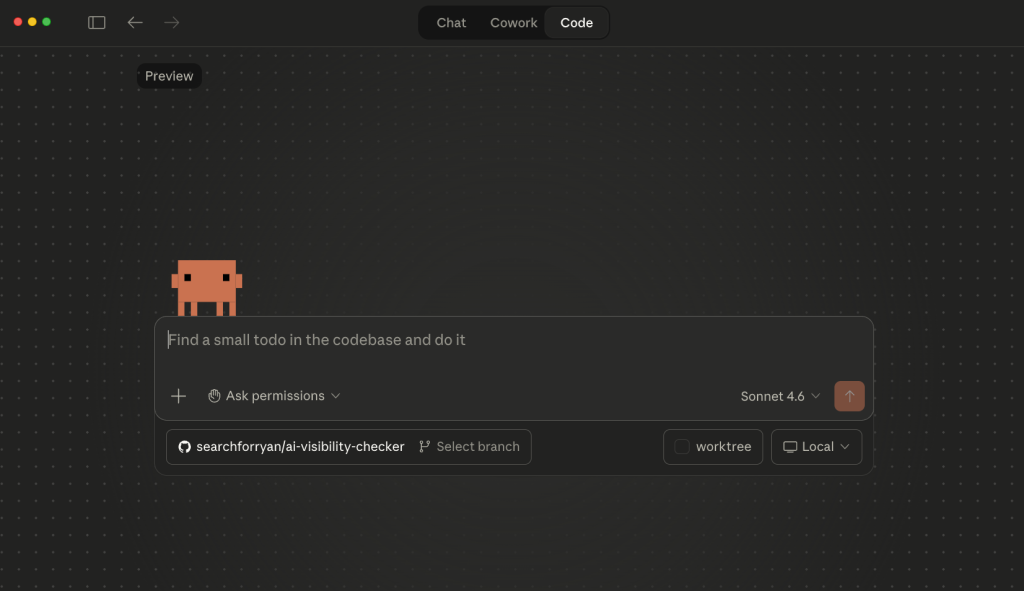
But it requires you to know (or hire someone who knows) how to write code, manage APIs, and deploy to a server.
That’s a different article and a different budget.
Cowork was built for people who want AI to do real work without writing a single line of code. For the highest-impact use case most agents need (drafting and scheduling personalized follow-up at scale), it handles it without any technical overhead.
The Inman Real Estate Technology Survey from 2025 found that the average agent response time to a new lead is 917 minutes. That’s over 15 hours. And InsideSales research on 55 million sales activities found that 57.1% of first call attempts happen after more than a week.
After more than a week.
Meanwhile, NAR data shows 62% of real estate inquiries come in after business hours, between 6 and 9 PM and on weekends, exactly when you’re not at your desk.
The agents who set up a system like this now, even a basic one, end up in the same position as the agents who claimed their Google Business Profile before everyone else did. Or the ones who started building an email list in 2014 when it felt pointless.
$100/month and an hour of setup. That’s the gap between you and the agent in your market whose old leads are booking calls while they sleep.
I’ve watched this pattern play out in SEO for over a decade. The people who move early on shifts like this build advantages that compound.
The people who wait until it’s obvious end up paying 10x more for the same result (hello every agent who’s now paying $500/month for Zillow leads and calling them back the next day).